
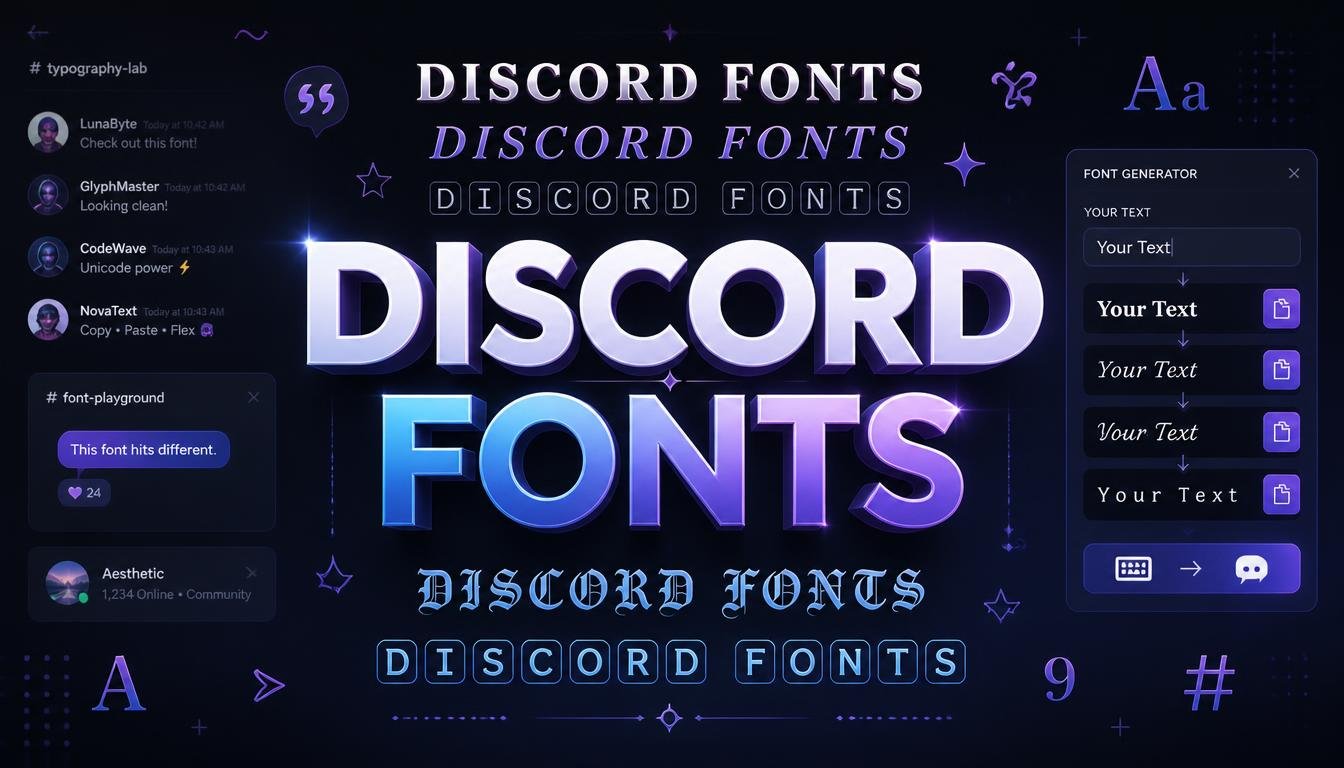
Discord is built around communication, but that does not mean your messages, profile, or display name have to look plain. Discord fonts are a popular way to give ordinary text a different visual style, whether you want a bold-looking username, an aesthetic bio, a creative status, or simply something that stands out in a busy server.
The interesting part is that most of these styles are not traditional fonts that you install into Discord. They are created with special Unicode characters that look like different typefaces or text styles. That means you can usually create the text, copy it, and paste it into a supported Discord field without installing anything.
Quick Discord Font Examples
Here are some examples of text styles you can copy and experiment with:
| Style | Example |
|---|---|
| Normal | Discord Fonts |
| Bold-style | 𝐃𝐢𝐬𝐜𝐨𝐫𝐝 𝐅𝐨𝐧𝐭𝐬 |
| Italic-style | 𝘋𝘪𝘴𝘤𝘰𝘳𝘥 𝘍𝘰𝘯𝘵𝘴 |
| Bold Italic | 𝘿𝙞𝙨𝙘𝙤𝙧𝙙 𝙁𝙤𝙣𝙩𝙨 |
| Monospace | 𝙳𝚒𝚜𝚌𝚘𝚛𝚍 𝙵𝚘𝚗𝚝𝚜 |
| Double-struck | 𝔻𝕚𝕤𝕔𝕠𝕣𝕕 𝔽𝕠𝕟𝕥𝕤 |
| Fullwidth | Discord Fonts |
| Circled | Ⓓⓘⓢⓒⓞⓡⓓ Ⓕⓞⓝⓣⓢ |
You can use these styles as inspiration for usernames, profile descriptions, server identities, messages, and other places where Discord accepts the relevant characters.
What Are Discord Fonts?
When people search for Discord fonts, they usually mean stylized Unicode text that can be copied and pasted into Discord. Unlike a conventional font such as Arial or Times New Roman, these styles generally do not require you to install a font file or change Discord’s interface font.
Unicode provides characters from many writing systems and symbol sets. Some of those characters resemble familiar letters in different visual styles. A font generator can combine those characters to create text that looks bold, italic, script-like, mathematical, fullwidth, or decorative.
For example, ordinary text such as Gaming Zone can become something like 𝙂𝙖𝙢𝙞𝙣𝙜 𝙕𝙤𝙣𝙚. The important distinction is that the second version consists of different Unicode characters rather than the same letters being displayed through a newly installed typeface.
How Do Discord Fonts Work?
A Discord font generator normally takes ordinary text and maps its letters to available Unicode characters that resemble a particular style. You type something like Night Wolf, select a style, and the generator produces a transformed version that you can copy.
The process is simple because the result is text rather than an image. You can generally select it, copy it, and paste it wherever that particular type of character is supported. Discord then displays the characters using the fonts available on the user’s device or platform.
This is also why two people may occasionally see slightly different results. Unicode characters still need a compatible glyph on the device or software displaying them. If the required glyph is unavailable, the character may appear as a square, box, or another unexpected symbol.
How to Get Fancy Fonts on Discord
Using stylish Discord text does not normally require installing anything.
Step 1: Enter Your Text
Start with the text you want to customize. It could be your name, a short phrase, a profile description, or a decorative heading.
For example:
Shadow Hunter
Step 2: Choose a Text Style
Select a style that matches the purpose of your text. A bold-looking style can work well for emphasis, while a script style may suit an aesthetic profile.
For example:
𝑺𝒉𝒂𝒅𝒐𝒘 𝑯𝒖𝒏𝒕𝒆𝒓
Step 3: Copy the Result
Copy the generated Unicode text.
Step 4: Paste It Into Discord
Paste the text into the Discord field where you want to use it. If the characters are supported there, they should appear in their stylized form.
It is worth checking the result before committing to a style. A design that looks excellent in a generator may be harder to read once it appears in Discord, particularly on a phone.
Best Discord Font Styles to Try
There is no single best Discord font because the right choice depends on what you are trying to create. A display name needs to remain recognizable, while an aesthetic bio can usually handle more decoration.
Bold Discord Text
Bold-looking Unicode characters are among the easiest styles to read.
𝐒𝐡𝐚𝐝𝐨𝐰 𝐇𝐮𝐧𝐭𝐞𝐫
They work nicely when you want text to attract attention without making it excessively decorative.
Italic Discord Text
Italic-style characters give ordinary words a softer or more expressive appearance.
𝘚𝘩𝘢𝘥𝘰𝘸 𝘏𝘶𝘯𝘵𝘦𝘳
This style can suit short bios, quotes, profile descriptions, and aesthetic text.
Bold Italic Discord Text
Combining the visual weight of bold with the angle of italic creates a stronger effect.
𝙎𝙝𝙖𝙙𝙤𝙬 𝙃𝙪𝙣𝙩𝙚𝙧
Because it is visually heavier, it is generally better for short text than long paragraphs.
Monospace Discord Text
Monospace-style Unicode characters create a technical or gaming-inspired appearance.
𝚂𝚑𝚊𝚍𝚘𝚠 𝙷𝚞𝚗𝚝𝚎𝚛
This can work particularly well for tech communities, gaming profiles, developer-oriented identities, or short labels.
Script-Style Discord Text
Script and calligraphic characters can give profiles a more decorative appearance.
𝒮𝒽𝒶𝒹ℴ𝓌 ℋ𝓊𝓃𝓉ℯ𝓇
These styles look attractive in the right context, but readability can vary considerably. A simple word may look great, while a long sentence can become difficult to decipher.
Fullwidth Discord Text
Fullwidth characters create a noticeably wider appearance.
Shadow Hunter
They can be useful for decorative headings or aesthetic profile designs, although the extra width can make longer text cumbersome.
Discord Fonts for Usernames and Display Names
Stylish text can make a Discord identity more memorable, but readability should come before decoration. A display name that looks unusual is useful only if other people can still recognize and type it when necessary.
For example, a simple name such as Alex might become 𝘼𝙡𝙚𝙭 or 𝔸𝕝𝕖𝕩. Both versions are visually different, but they still retain a recognizable structure.
Before choosing a style, test it in the actual Discord field where you intend to use it. Discord features can have their own restrictions, and not every Unicode character is accepted everywhere.
Discord Fonts for Bios and About Me Sections
A Discord profile gives you more room to experiment than a short username. You can combine readable text with a small amount of decoration to create a distinctive profile.
For example:
🎮 𝐆𝐚𝐦𝐢𝐧𝐠
🎵 𝘔𝘶𝘴𝘪𝘤 𝘓𝘰𝘷𝘦𝘳
⚡ 𝙇𝙚𝙩’𝙨 𝙂𝙤
The key is moderation. If every word uses a different style and dozens of symbols are added between them, the profile can become harder to read rather than more attractive.
A consistent visual style usually looks cleaner than randomly combining many different Unicode sets.
Discord Fonts for Messages
Stylized Unicode text can also be used in Discord messages, but it is important to distinguish it from Discord’s built-in formatting.
For example, Unicode text can make:
Welcome to the server
look like:
𝐖𝐞𝐥𝐜𝐨𝐦𝐞 𝐭𝐨 𝐭𝐡𝐞 𝐬𝐞𝐫𝐯𝐞𝐫
Discord’s native formatting, on the other hand, uses its own syntax to change how ordinary text is displayed. These are two different approaches.
For regular conversations, Discord’s built-in formatting is often the better choice because it remains straightforward and predictable. Unicode styles are more useful when you specifically want the characters themselves to have a distinctive appearance.
Unicode Text vs. Real Fonts
This is one of the most important things to understand about Discord fonts.
A traditional font is a typeface used to display characters. Installing a font changes the visual appearance of supported text without changing the underlying letters.
Unicode-styled text works differently. Instead of changing the appearance of the letter A, it may replace it with a different Unicode character that resembles a stylized A.
For example:
A
and
𝐀
look related, but they are not necessarily the same underlying character.
That distinction explains why you can copy and paste many fancy text styles without installing a font. You are copying different characters, not transferring a font file into Discord.
Why Some Discord Fonts Do Not Work
Sometimes a stylish text generator produces a result that looks perfect, but Discord displays part of it incorrectly. This usually comes down to character support rather than the generator suddenly failing.
Unicode contains an enormous number of characters, but devices and applications do not necessarily have visual glyphs for all of them.
The Text Appears as Squares
A missing glyph may appear as an empty square or box. This generally means the system cannot display that particular character with an available font.
Only Some Letters Change
Different Unicode styles do not always provide a perfect replacement for every possible character. Certain letters, numbers, punctuation marks, or symbols may behave differently from the rest.
This can result in a sentence where most letters look stylized while one or two remain ordinary.
The Style Looks Different on Mobile
Text rendering can vary between operating systems, applications, and devices. A character that looks elegant on one screen may appear slightly different elsewhere.
For important information, choose a style that remains understandable across the devices your audience is likely to use.
Are Discord Fonts Safe to Use?
Unicode text itself is simply text characters. Using a stylized character does not automatically make a message dangerous or unsafe.
The bigger concern is how decorative characters are used. Some visually similar characters can make words difficult to distinguish, and excessive decoration can make profiles or messages confusing.
For community spaces, clarity matters. If you are creating an important announcement, server instruction, or moderation message, readable text is usually more useful than an elaborate font style.
How to Choose the Right Discord Font
The best style depends on the purpose of the text.
| Use Case | Recommended Style | Why |
|---|---|---|
| Display name | Bold or simple stylized text | Easy to recognize |
| Profile bio | Script or aesthetic styles | More room for creativity |
| Gaming identity | Bold or monospace | Strong visual character |
| Short status | Decorative or italic | Works well for brief text |
| Important announcement | Simple readable text | Easier for everyone to understand |
| Decorative heading | Fullwidth or bold | Creates visual separation |
A good rule is simple: the more important the information, the more readable the text should be.
Creative Discord Font Ideas
You do not have to use one style for everything. Combining a readable font style with a few symbols can create a cleaner result.
For example:
⚔ 𝐖𝐀𝐑𝐑𝐈𝐎𝐑 ⚔
or:
✦ 𝘋𝘢𝘳𝘬 𝘝𝘪𝘣𝘦𝘴 ✦
For a gaming profile, something like:
🎮 𝙉𝙞𝙜𝙝𝙩 𝙋𝙡𝙖𝙮𝙚𝙧
can be more effective than filling the entire profile with complicated characters.
The goal is not to use the strangest characters available. The goal is to create text that looks intentional.
Common Mistakes With Discord Fonts
One common mistake is assuming that a more complicated style is automatically better. Extremely decorative Unicode characters can look impressive for a few seconds but become frustrating when someone needs to read or copy the text.
Another mistake is using several unrelated styles together. A username written in bold mathematical characters followed by script, circled characters, and multiple decorative symbols can quickly look messy.
It is also easy to forget that compatibility matters. Always preview your chosen text in the actual Discord environment where you plan to use it.
Can You Use Discord Fonts on Mobile?
In many cases, Unicode text can be copied and pasted from a mobile device just as it can from a desktop. The important factor is whether the relevant characters are supported by the application and device.
Mobile keyboards may not provide every special character directly, which is why a Discord font generator can be convenient. You can create the styled text elsewhere, copy it, and paste it into Discord.
If a particular style displays incorrectly on your phone, try a simpler Unicode style. Readability and compatibility are usually more valuable than using the most elaborate design.
FAQ About Discord Fonts
What are Discord fonts?
Discord fonts usually refer to stylized Unicode characters that can be copied and pasted into Discord. They are generally not downloadable fonts installed into the Discord application.
How do I get fancy fonts on Discord?
You can use a Discord font or text generator to enter normal text, select a style, copy the generated Unicode characters, and paste them into a supported Discord field.
Are Discord fonts actually fonts?
Not usually. Most “Discord fonts” are Unicode characters that resemble different typefaces or styles. A traditional font changes how characters are rendered, while Unicode styling changes the characters themselves.
Can I change the font in Discord?
You generally cannot simply install any custom font and make Discord display all of its interface text in that typeface. What people commonly call Discord fonts are usually copy-and-paste Unicode text styles.
Why do some Discord fonts show as boxes?
A box can appear when your device or application does not have a suitable glyph for a particular Unicode character. Trying a simpler style can often solve the problem.
Can I use fancy text in Discord messages?
Yes, supported Unicode characters can be pasted into messages. You can also use Discord’s native text-formatting features, which are different from Unicode font styles.
Can I use Discord fonts on mobile?
Many Unicode text styles can be copied and pasted from mobile devices. Their appearance can vary depending on the device, operating system, and available character support.
Which Discord font is easiest to read?
Simple bold, italic, and monospace-style Unicode characters are generally easier to read than highly decorative script or symbol-heavy styles. For important information, ordinary text may be the clearest option.
Can Discord fonts be used in usernames?
Some stylized Unicode characters may work in supported name fields, but Discord can impose restrictions on particular fields and characters. Test the exact text in the relevant field before relying on it.
Why does my Discord font look different from the preview?
A generator may display Unicode characters using the fonts available on your browser or device. Discord and another user’s device may render those same characters differently.
Conclusion
Discord fonts are an easy way to give ordinary text a more distinctive appearance. The trick is understanding what they actually are: in most cases, you are using special Unicode characters rather than installing a completely new font inside Discord.
For usernames, bios, statuses, and short messages, a carefully chosen style can add personality without making the text difficult to understand. Try a few options, check how they appear in Discord, and stick with the style that balances creativity with readability.
If you want to create your own stylish Discord text, start with a simple phrase, experiment with a few Unicode styles, and copy the version that looks best in your actual profile or message.



Leave a Reply